
Household finance, entered by you
Know where your money stands — together.
Track accounts, log transactions in a single line, plan monthly budgets, tick off recurring bills, and see where the money went — alone or with your household.
No bank connections and no bank credentials — you decide what goes in your record.
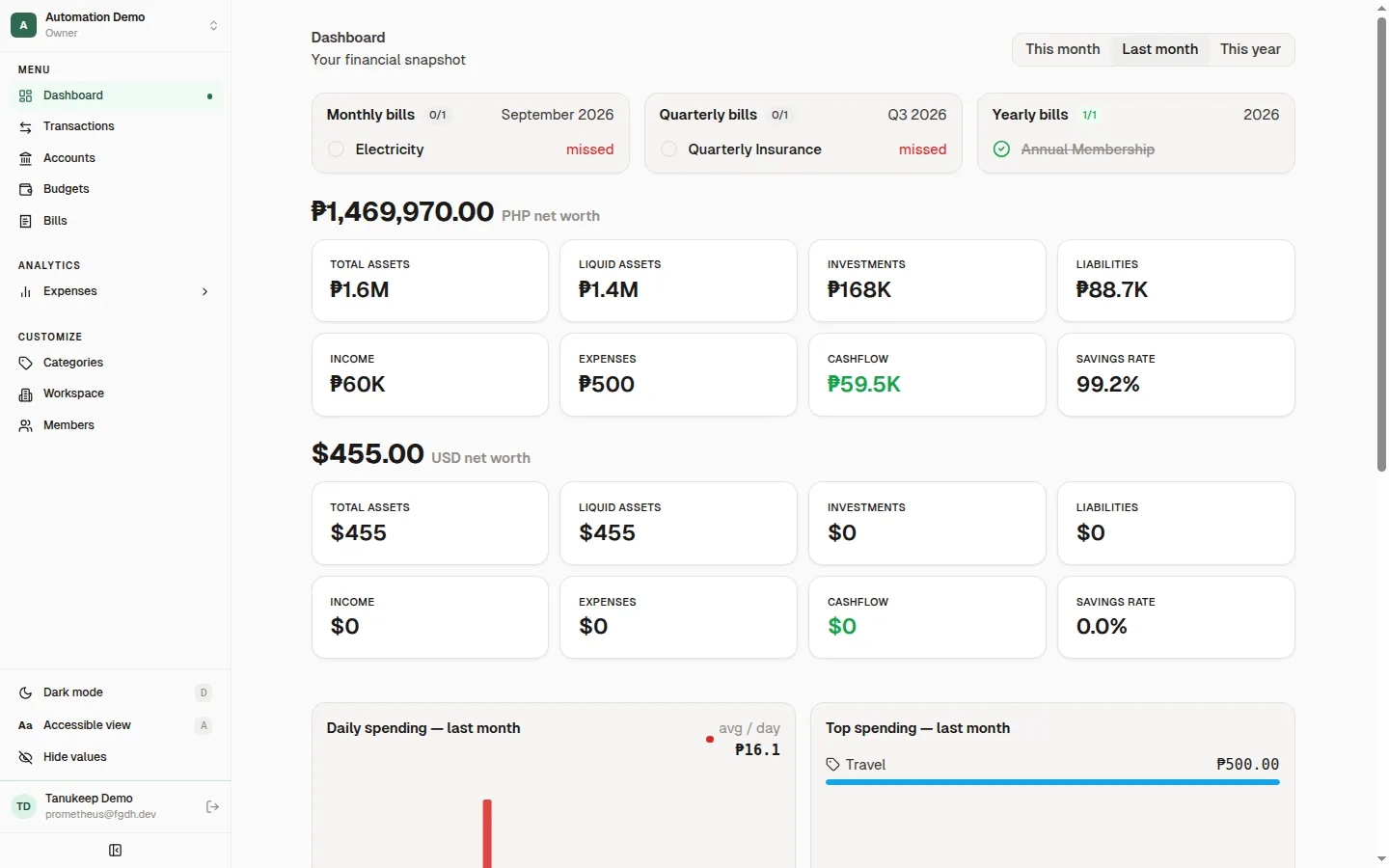
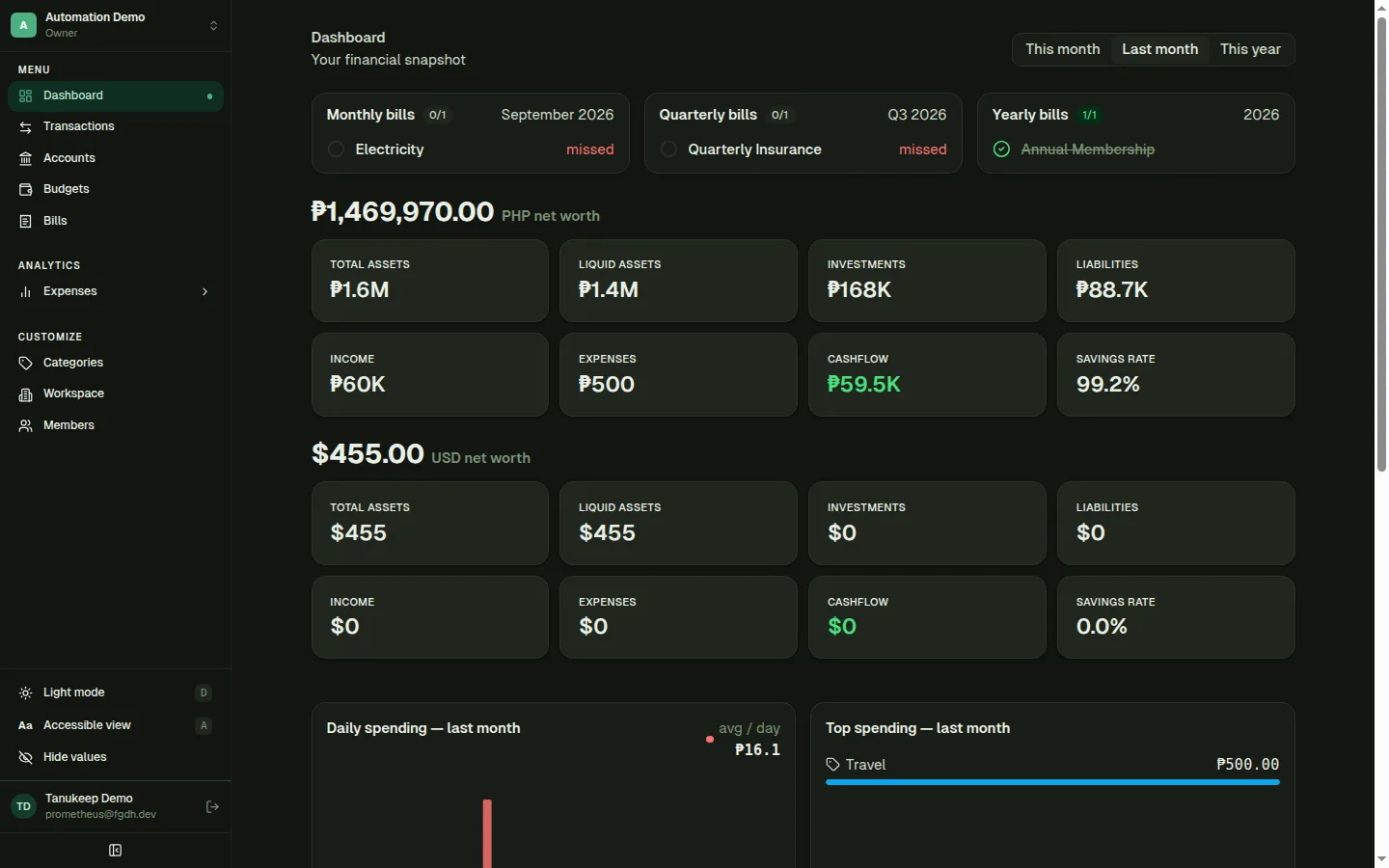
How it fits together
From where your money sits to what it did this year.
- 01
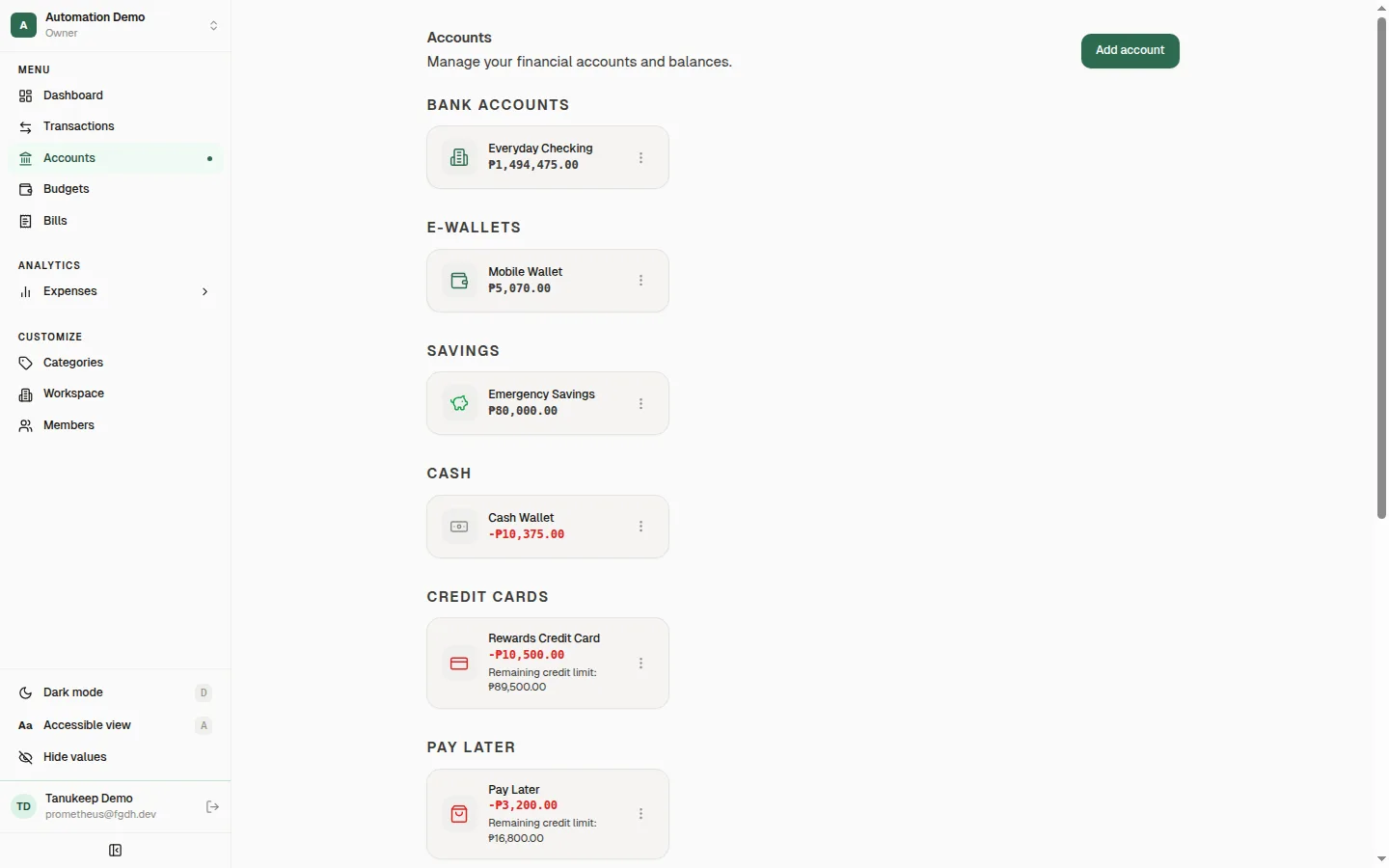
Accounts
Every place your money lives, side by side.
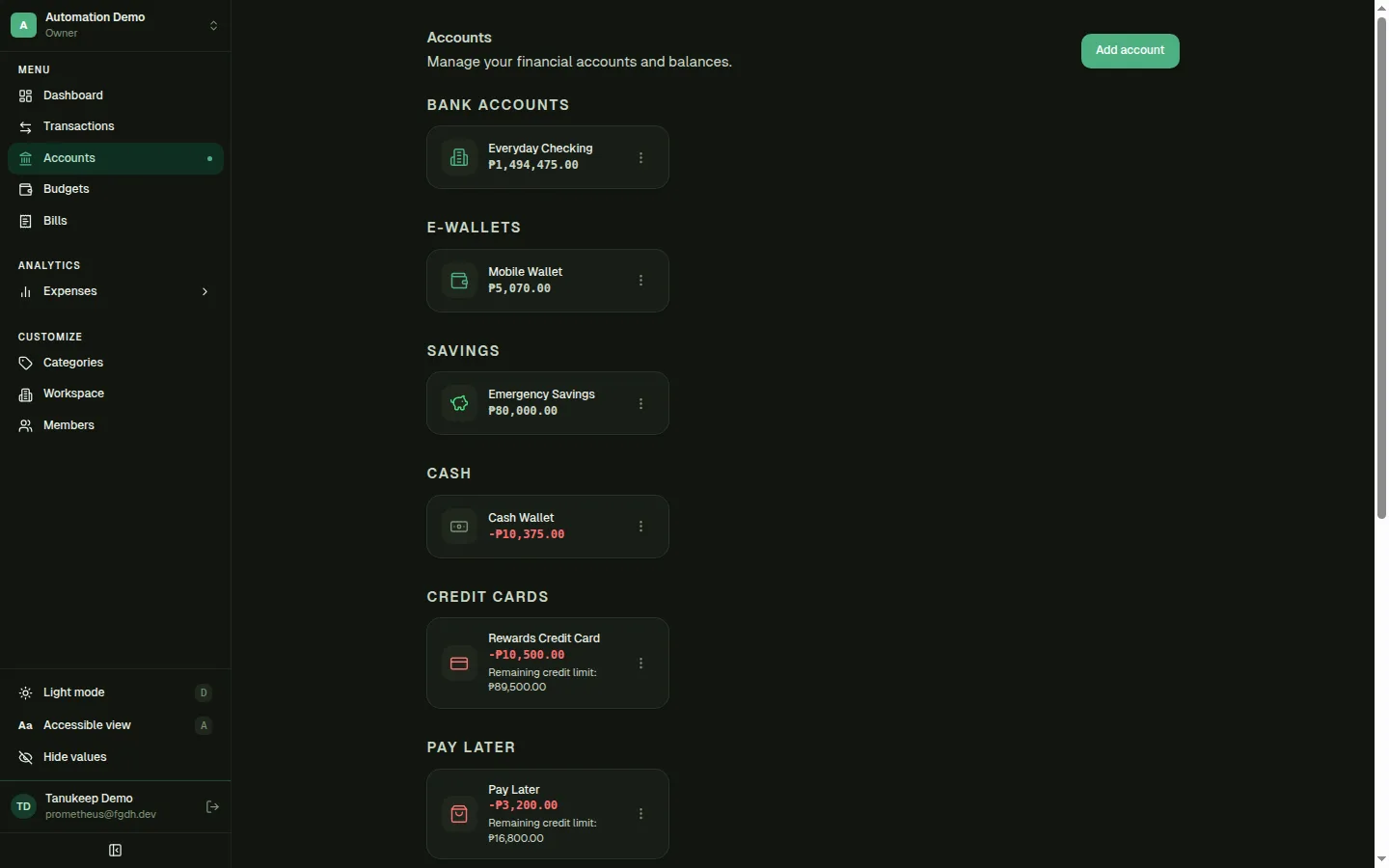
Group balances by type — bank, e-wallet, savings, cash, credit card, pay-later, investment, loan, crypto, and foreign currency.
- Credit limits, billing cycle, and payment due days on cards and pay-later
- Remaining credit shown on each card
- Archive accounts you no longer use without losing history
- 02
Transactions
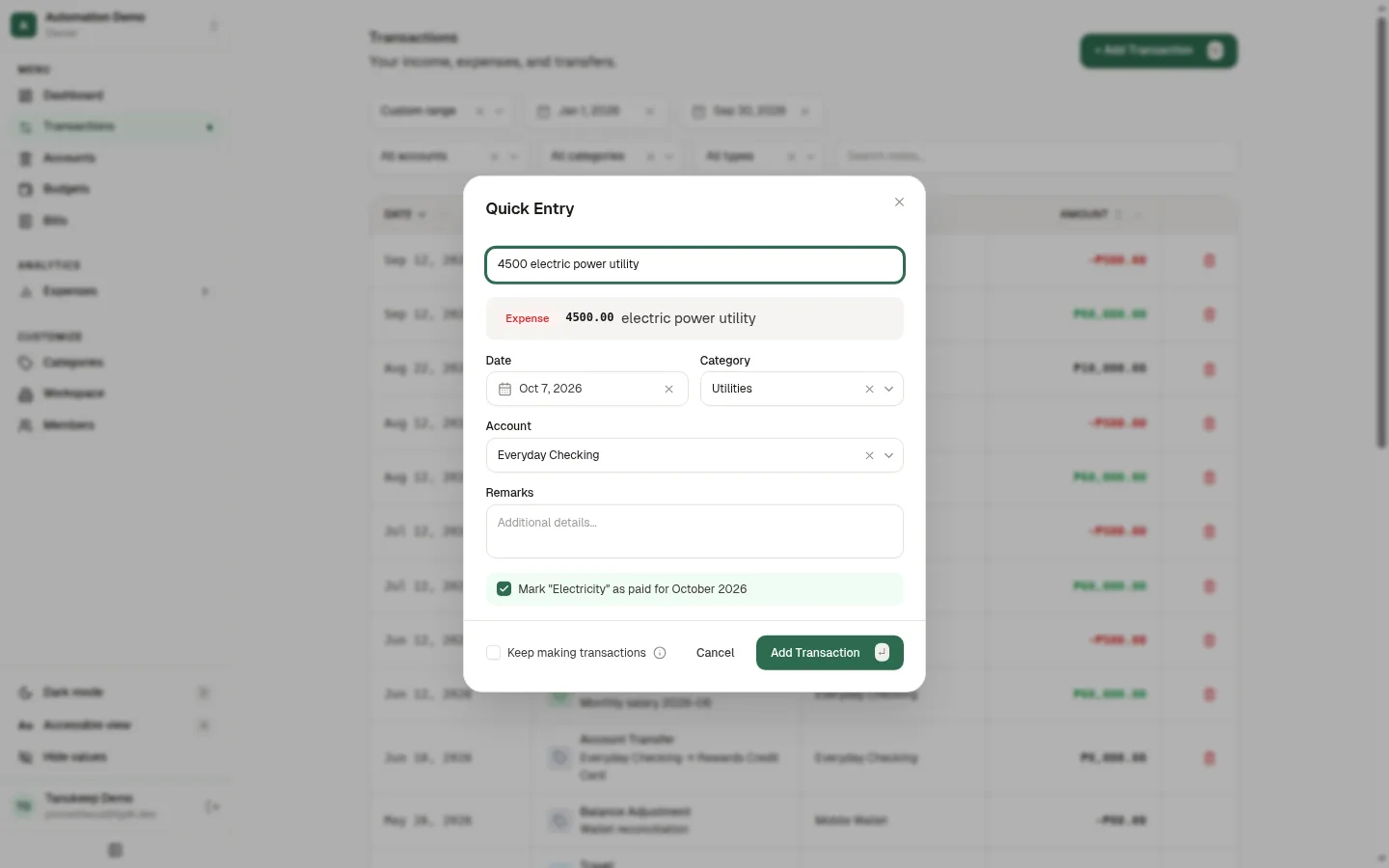
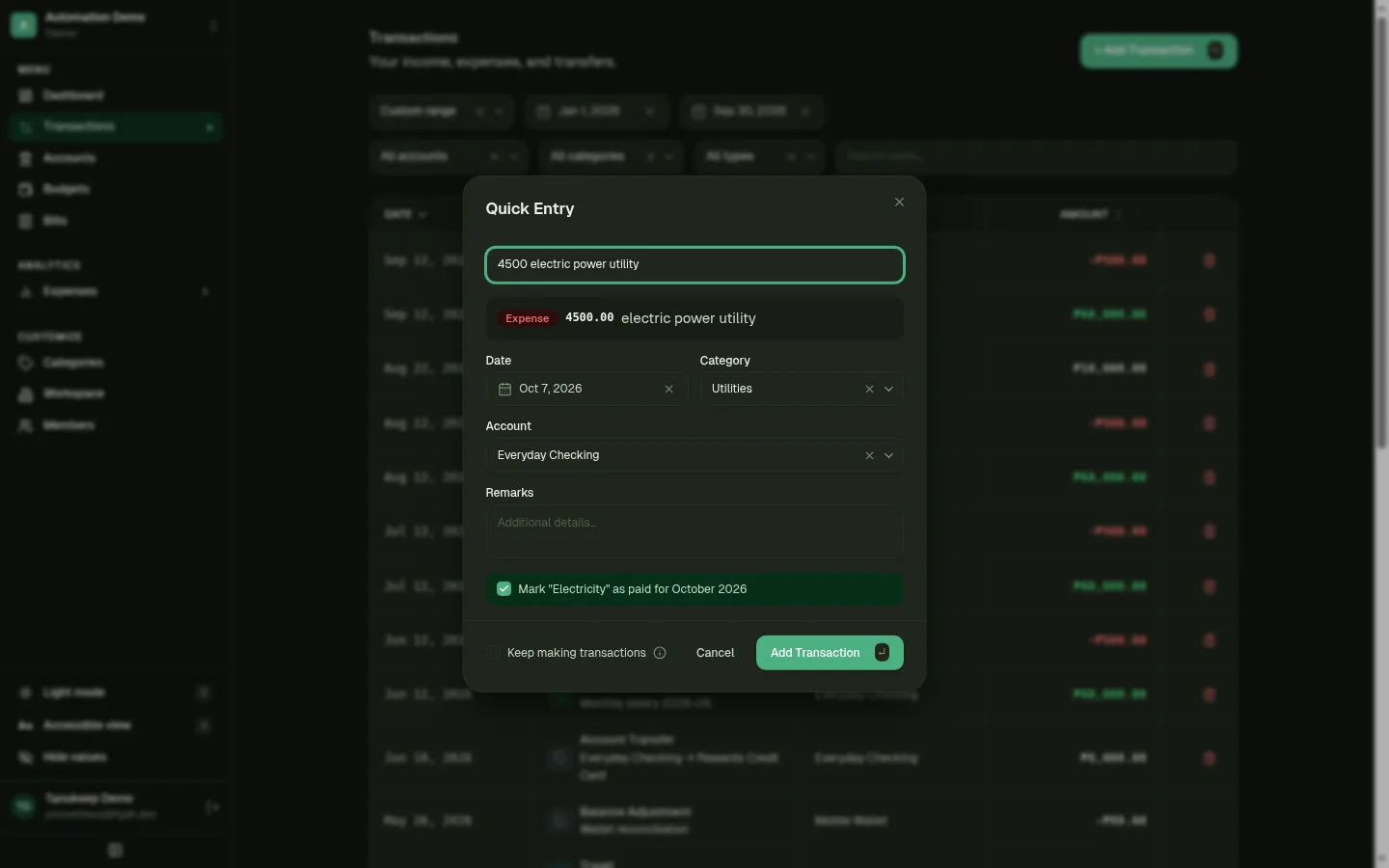
Log it in one line, while you still remember.
Type something like “250 lunch gcash yesterday” and Quick Entry fills in the amount, account, category, and date for you to confirm.
- Income, expenses, transfers with optional fees, and balance adjustments
- Filter by date range, account, category, or type, and search notes
- Every entry is yours — Tanukeep never connects to your bank
- 03
Budgets
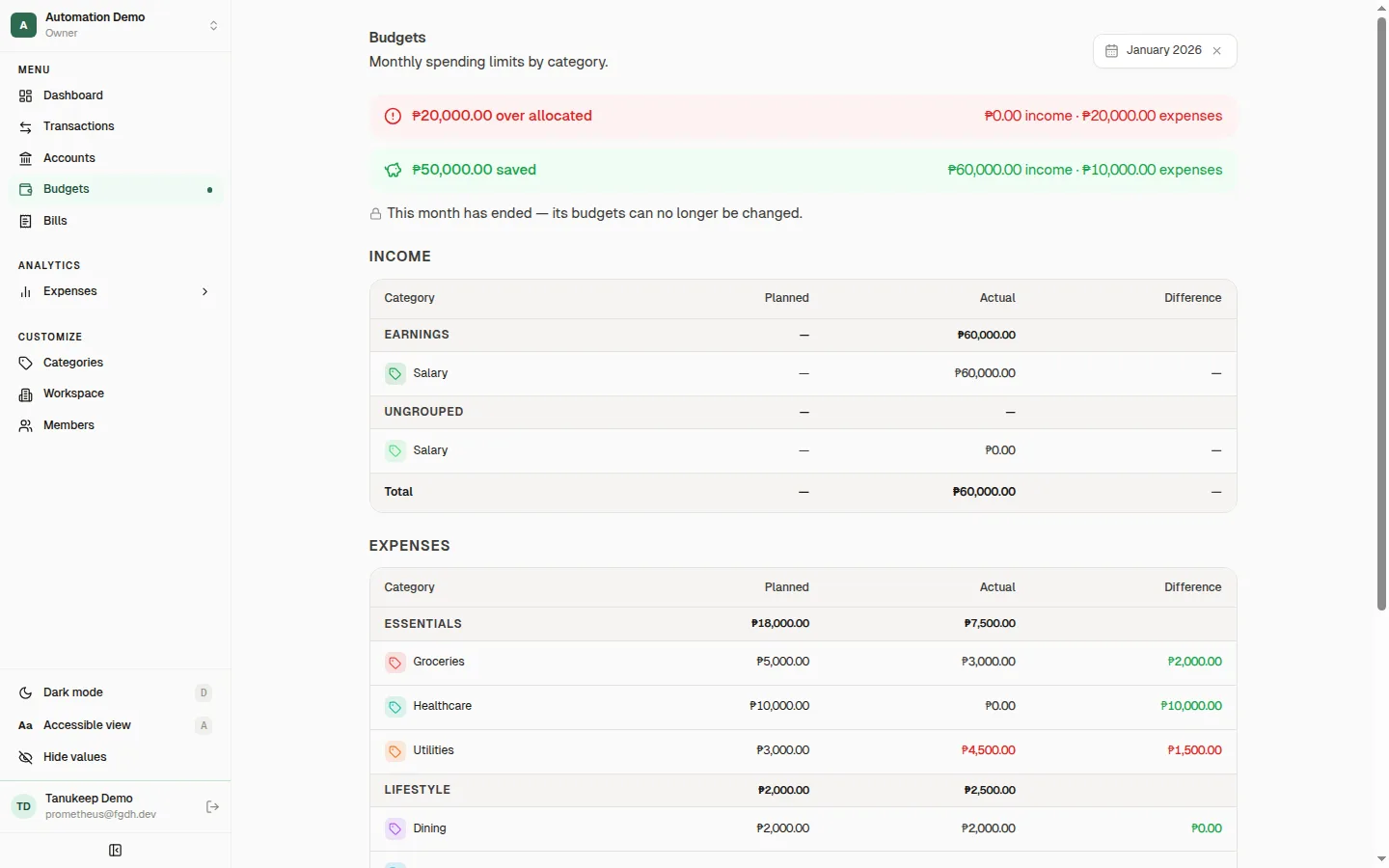
Plan the month, then see how it went.
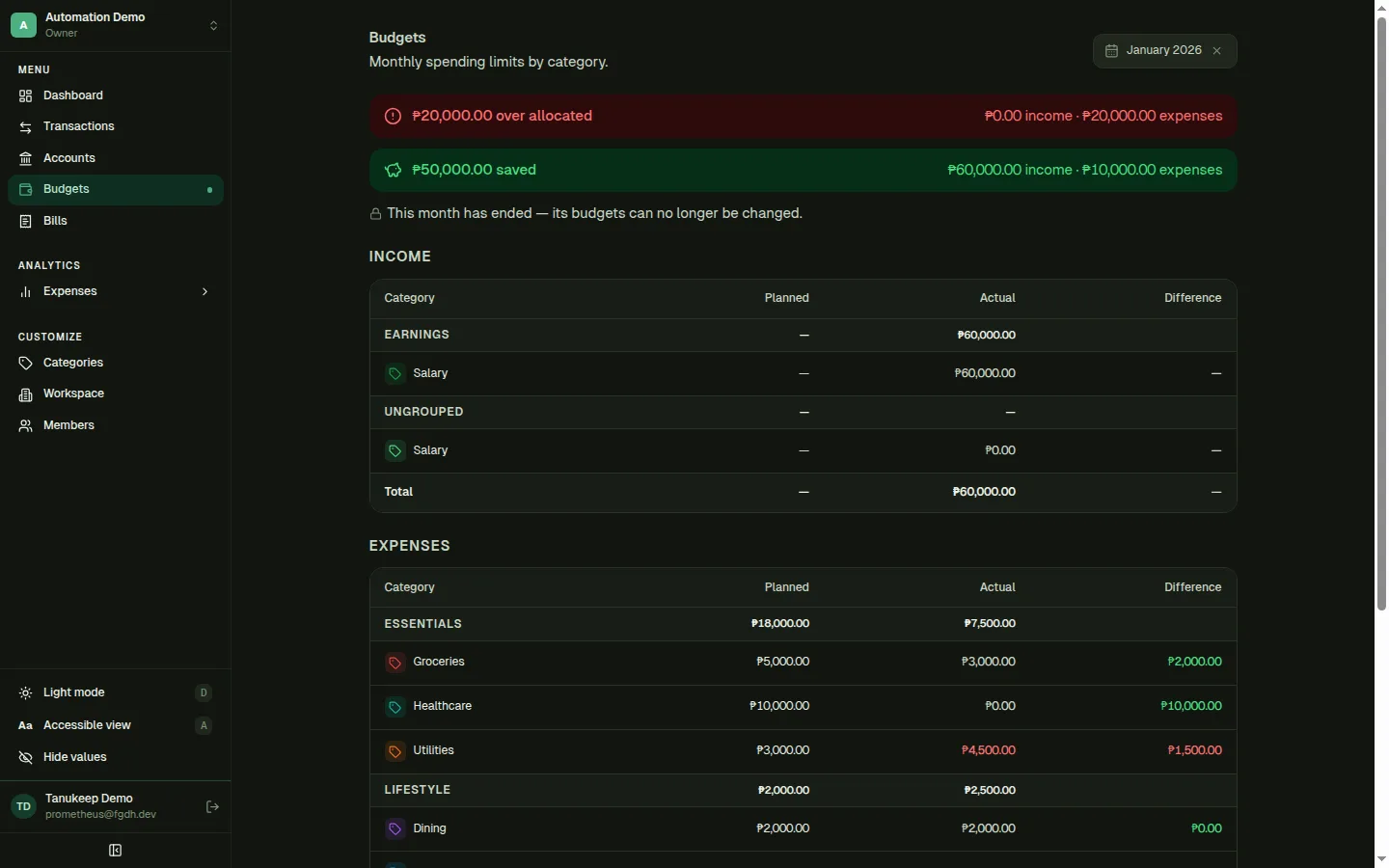
Set a monthly amount per category and compare planned against actual spending, grouped the way you organize your categories.
- Over- and under-allocation called out at the top
- Copy last month’s budgets to start a new month quickly
- Past months lock so your record stays as it was
- 04
Bills
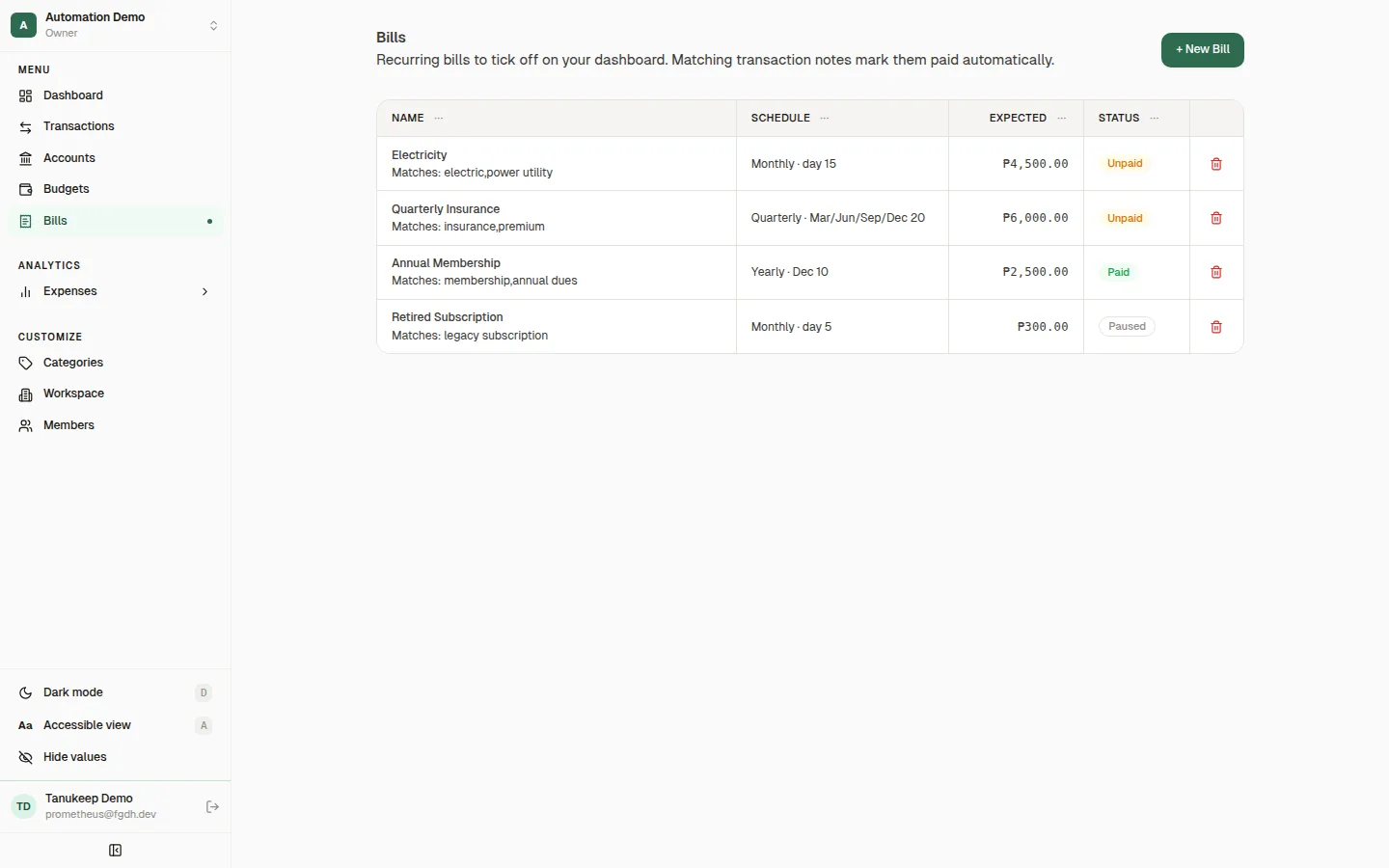
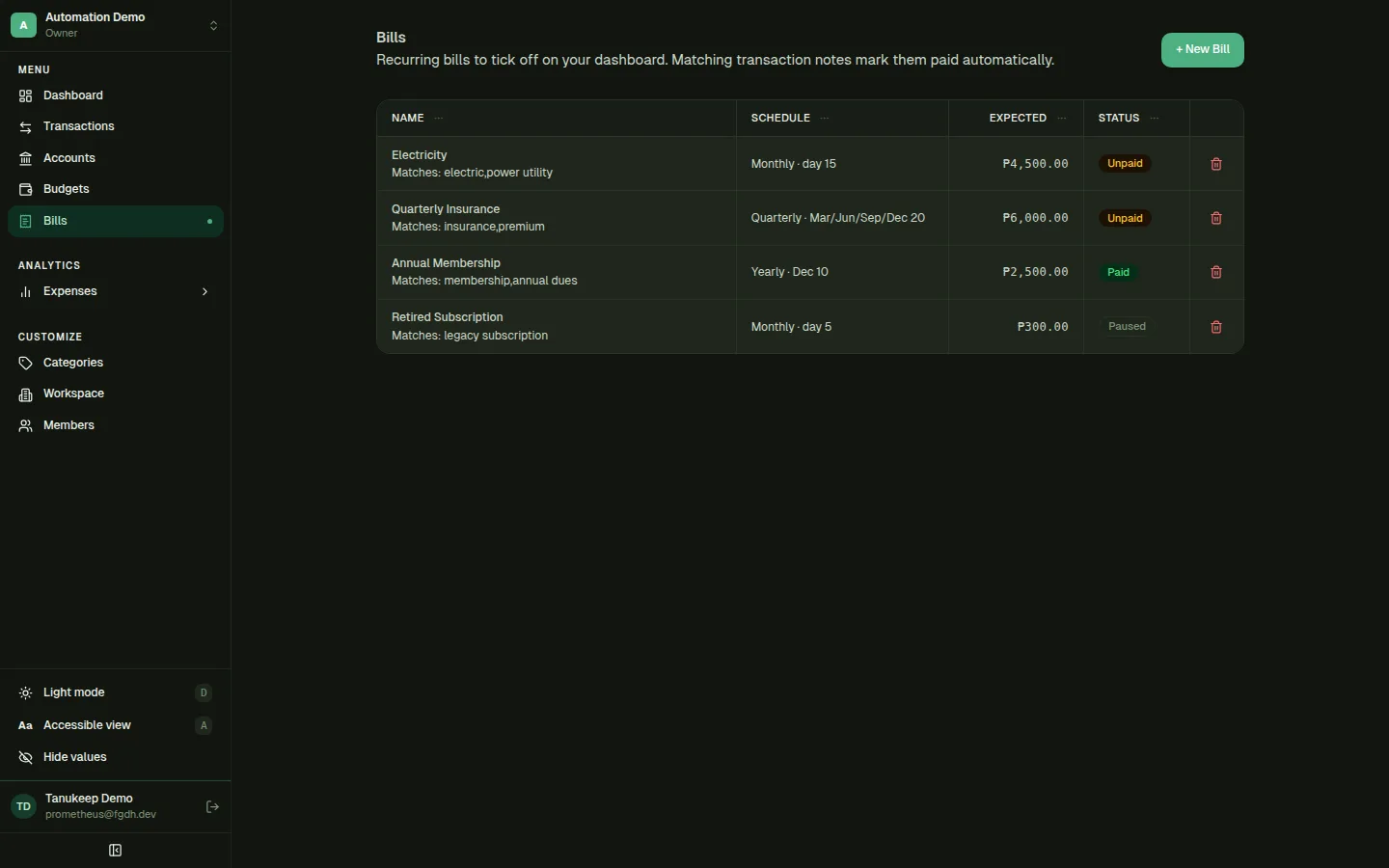
Recurring bills you can tick off.
Track monthly, quarterly, and yearly bills with a due day and expected amount. The dashboard shows what’s paid and what’s still due for the period.
- Mark a bill paid for its period, linked to the transaction that paid it
- Add match keywords and Quick Entry offers to tick the bill when you log it
- Pause bills you’ve stopped paying
- 05
Analytics
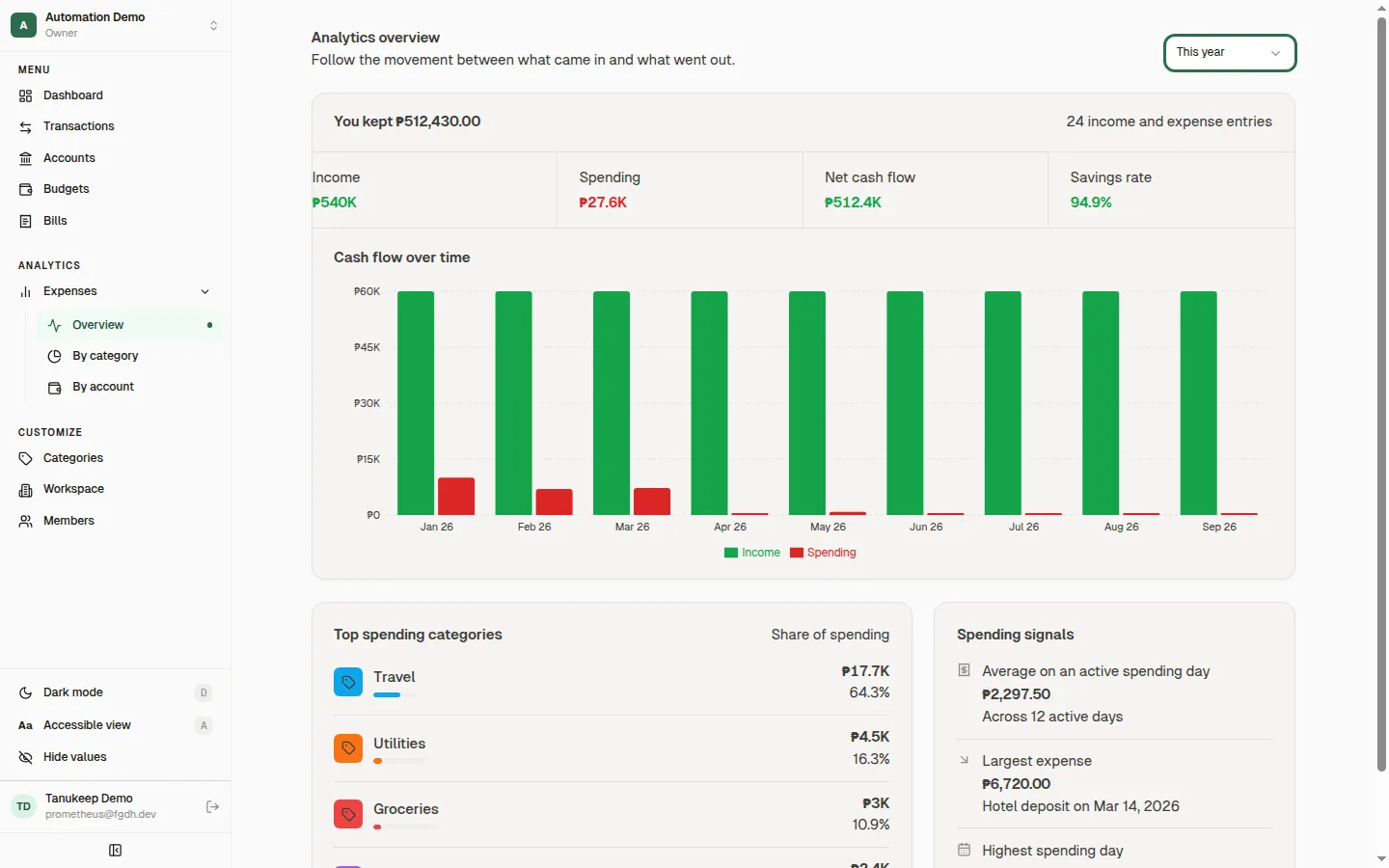
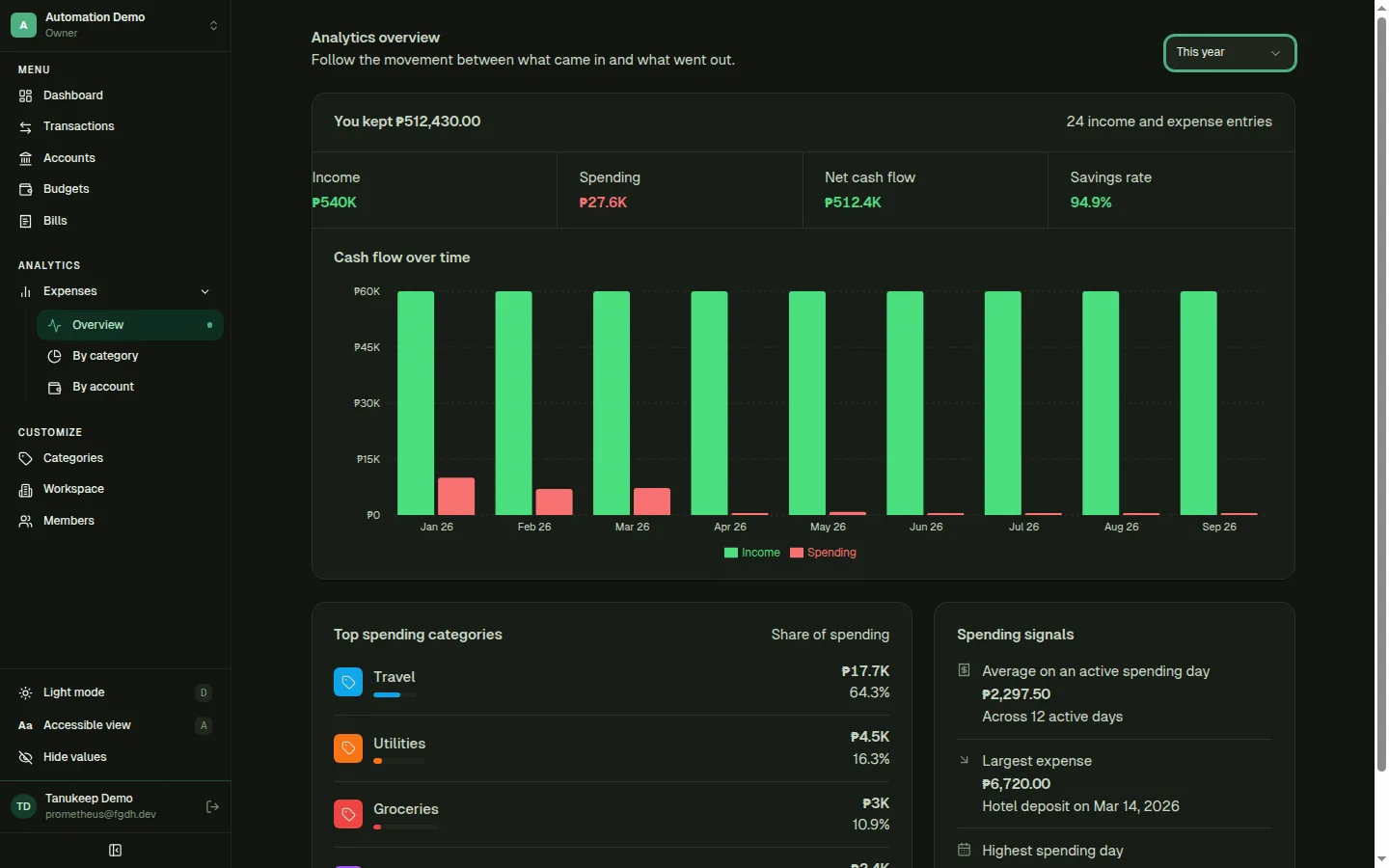
See the pattern, not just the balance.
Cash flow over time, income versus spending, savings rate, and your top spending categories — with drill-downs by category and by account.
- Pick a period: this month, last month, this year, and more
- Category drill-down down to the merchants in your notes
- Account view shows where each account’s money went
Also included
The details that make it livable.
Work together
A shared record that stays clear when more than one person is involved.
Shared workspaces
Invite your household. Owners make changes; members get a read-only view.
Hide values
Mask balances with one click when someone else can see your screen.
Fit your finances
Shape the record around the accounts, currencies, and routines you actually use.
Multi-currency
Keep accounts in different currencies and roll them up into your base currency.
Your own categories
Create categories with icons and colors, and organize them into groups.
Net worth at a glance
Assets, liquid assets, investments, and liabilities, per currency.
Transfers with fees
Move money between accounts and record the fee in the same entry.
Bill checklist
Monthly, quarterly, and yearly bills on your dashboard, by period.
Spending breakdowns
By category, by merchant, and by account, over the period you choose.
Use it your way
Comfortable on your screen, from quick keyboard work to an installed app.
Light and dark
Follows your system, or pick one yourself.
Accessible view
Larger text and roomier controls across the whole app.
Keyboard shortcuts
Toggle dark mode and accessible view without reaching for the mouse.
Installable
Add Tanukeep to your home screen or desktop like an app.
Start your record today.
Sign in with Google to open your workspace. You can invite your household once you’re in.